Packing how-to
How to pack electronics and organize cables for moving
Photograph the connections before unplugging, give every device and cable group the same label and use packaging suited to the equipment. A few minutes spent recording the setup can save a long search for the right adapter after the move.
Published October 17, 2026 · By Packahome, operated by Solely Junk LLC
What to have ready.
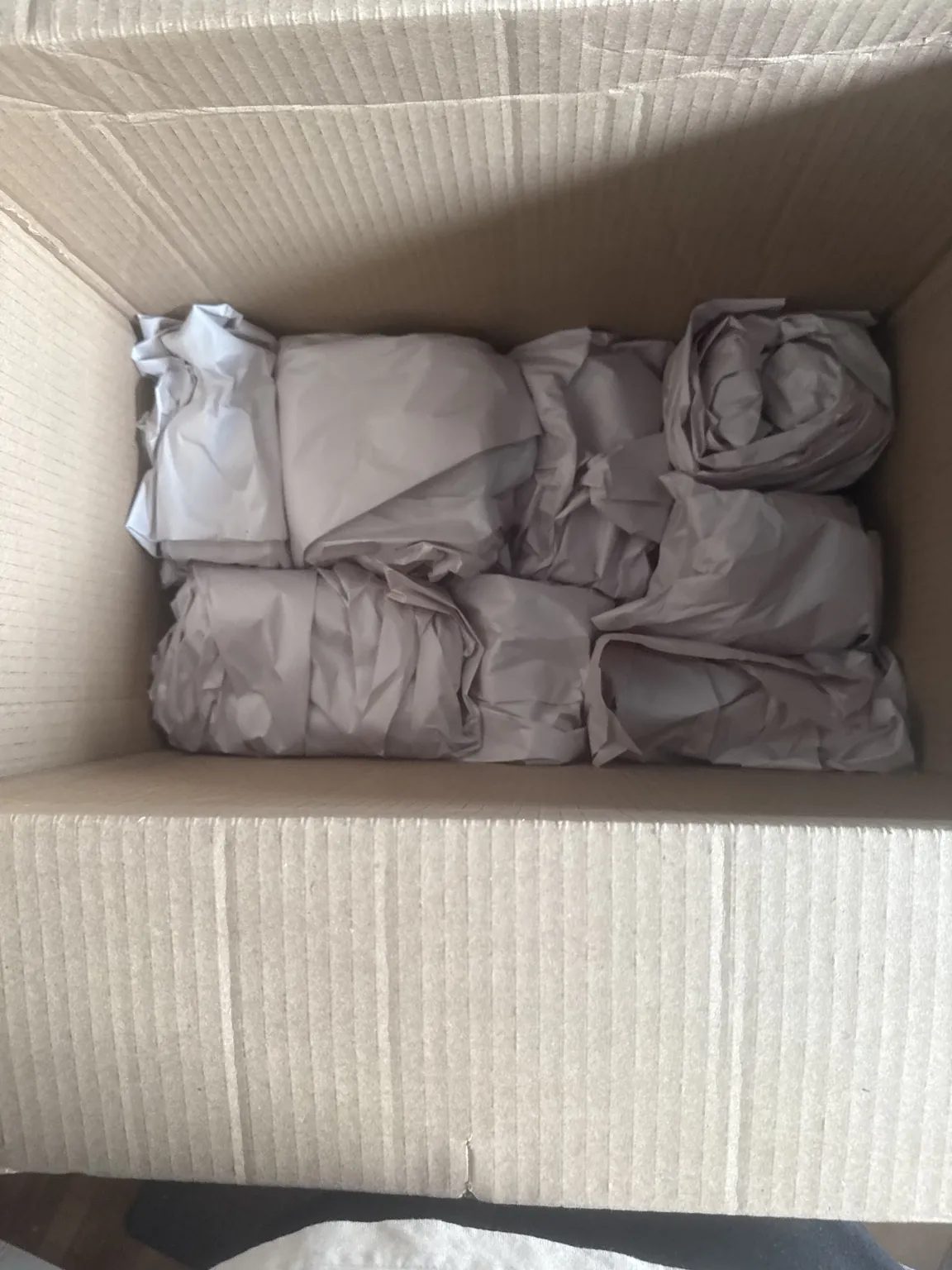
- Original fitted packaging in sound condition, or suitable replacement packaging
- Device-compatible cushioning and anti-static materials where required
- Reusable cable ties, small accessory pouches and labels
- A camera, marker and simple device inventory
1. Make a device list and check the manuals
Group equipment by its destination, such as desk, living room or spare room. Record the model, the accessories that belong with it and the order you need it working again. Keep devices you use through the final day separate from equipment that can be packed early.
Find the manufacturer's packing or transport instructions for each model before removing stands, trays or other parts. Printers and large screens deserve their own preparation plan. Do not apply one printer's directions to another model: transport locks, ink systems and removable parts differ. Flag anything you need a technician to prepare.
2. Record the setup before disconnecting
Take a wide photo showing the whole setup, then close photos of the connections and device labels. Give each equipment group a short code, such as Desk A. Put that code on the device's packaging, its cable pouch and the inventory. Keep labels clear of vents, connectors and delicate finishes.
Check that your usual file backup has completed before shutting down your computer. Follow the device's shutdown instructions, then disconnect cables as directed. Photographing cables records their arrangement; it does not replace keeping a usable copy of important files. Keep personal devices and sensitive records with your personal belongings.
3. Pair cables and small accessories
Label both ends of a cable with its device group and purpose before it joins the pile. Coil it loosely along its natural curve and hold it with a reusable tie. Put the matching adapter, remote and detachable accessories together in a labeled pouch. Keep screws with a note showing where they came from.
Make a separate first-use pouch for the equipment you need immediately. Avoid a single box marked cords: two similar-looking power adapters may belong to different devices. Leave identification labels visible and keep an adapter with the equipment it was supplied for.
4. Pack the device without pressure on delicate areas
Use sound original packaging with its fitted supports where suitable, or obtain replacement packaging designed for the equipment. Follow instructions for screen protection and removable stands. A retail carton without its inserts is not a complete packing system. Do not add loose adapters where they can knock against a screen or casing.
Use cushioning compatible with the device. Ordinary loose-fill foam can create static, so use appropriate anti-static protection where the manufacturer requires it. Keep electronics apart from toiletries and other liquids. The equipment should be supported inside the package, with no heavy objects pressing on controls or display surfaces.
5. Reconnect in a useful order
Label each finished package with its destination and inventory code. At the next home, set up the equipment you need first, using the photos and matching pouches. Check the manufacturer's instructions before powering equipment that has experienced substantial temperature changes. Keep packaging until you have checked the device and its accessories.
Common packing mistakes to avoid.
- Unplugging everything before photographing and labeling connections.
- Packing loose adapters against screens or delicate controls.
- Treating an empty original carton as complete protective packaging.
Keep the rest of the packing plan clear.
Packing questions.
How do I keep cables organized during a move?
Give each device group a code, label both ends of its cables and use one matching accessory pouch. Keep a separate pouch for the equipment you need to reconnect first.
Is the original electronics box enough?
Check its condition and whether all fitted supports are present. Follow the equipment manufacturer's instructions and the requirements of the company transporting the item; the printed carton alone does not show that it is adequately packed.
Do I prepare every printer the same way?
No. Find the transport instructions for the exact model. Different printers have different locks, removable components and ink-system requirements, so avoid generic disassembly advice.
Manufacturer and packing references.
Apple computer-backup instructions
Check the packing and transport instructions for the exact equipment you own. The examples above support preparation; the model-specific instructions govern your device.
Requesting Packahome for the project?
Our service focus is full-home packing with agreed move staging and coordination. Use the guide for your own preparation, then share the whole-home room list, materials and deadline for quote review.
Get my home-packing quoteYour next chapter
Get the home ready for moving day.
Tell us about the home, the packing left and any staging or coordination you want reviewed.